
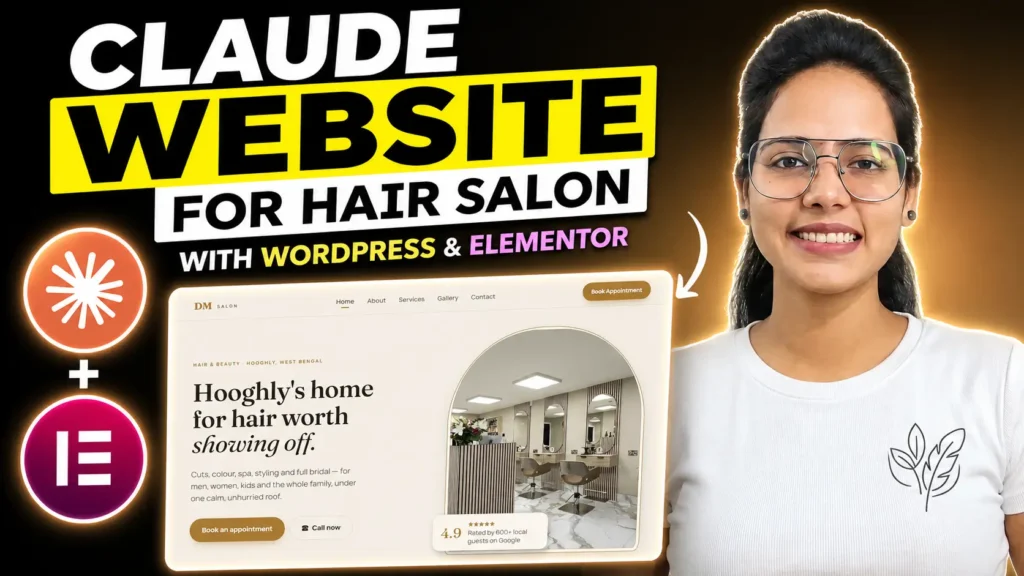
Today, we will design a hair salon website using Claude AI and convert it into WordPress Elementor
Useful Links to Build WordPress Website Using Claude AI
Claude: https://claude.ai/login
Generate Domain Name: Namelix
Affordable Hosting Platform: https://go.hosting.com/archana
Discount Code: ARCHANA
Novamira: https://novamira.ai/
Node.js: Download
Claude Desktop: Download
Prompt for Claude Browser Prompt for HTML Artifact Website Design for Hair Salon
Design a complete 5-page website for my Hair Salon using HTML. Make it look modern, clean, and professional. Give it unique designs and make sure the design beats my competitors.
Business name: [YOUR SALON NAME]
What I do: [HAIR SALON & BEAUTY SERVICES]
Who I serve: [MEN, WOMEN, BRIDES, KIDS, PROFESSIONALS, FAMILIES]
Main goal of the site: [GET APPOINTMENT BOOKINGS / PHONE CALLS / WHATSAPP LEADS]
SEO keywords: [HAIR SALON, HAIR STYLIST, HAIR COLOR, BEAUTY SALON, HAIR SPA]
Build these 5 pages:
Home — Hero with headline + CTA, trust strip, 3 key benefits, services preview, testimonials, about preview, final CTA
About — Story, mission, what makes my salon different, CTA
Services — Service grid with descriptions, how-it-works steps, FAQ, CTA
Gallery — Card grid with Unsplash salon images, filter bar (Haircuts, Hair Color, Hair Spa, Bridal, Styling), CTAs
Contact — Appointment form (Name, Email, Phone, Preferred Service, Preferred Date, Message), contact info, Google Map, social links
Header: Sticky, logo + nav (Home, About, Services, Gallery, Contact) + Book Appointment CTA button + mobile menu
Footer: Logo, quick links, contact info, business hours, socials, copyright
Requirements:
Modern, clean design — you pick the colors, fonts, and style that fit my salon best.
Fully mobile responsive.
All links and buttons work.
Unsplash images that fit a premium hair salon.
SEO-ready (meta titles, H1s, alt text, semantic HTML).
Build it as one artifact I can preview and export.
Prompt for Claude Desktop to convert HTML Artifact to a WordPress Elementor Website
Create a new Menu for pages created for this design. Make sure to also set the home page.

I want you to take this design and convert it for the Elementor page builder for wordpress.

Make sure to use the native Elementor elements and not HTML widgets. Use the container and not the inner sections. Also, I have disabled the Atmoic editor; do not use the Atmoic elements. We have installed the Novamira plugin to help you understand how to use Elementor elements better.

Next, use XPRO to design and create the header and footer. This plugin allows you to build a custom header and footer with Elementor. Do not use the Elementor Pro widgets; use the elements provided by XPRO. Make sure to save the header and footer templates in the XPRO library so I can customize them later.

Use WPforms as the contact form for the contact page.

Can you now convert this website and push it to my domain connect https://algociat.com/
Want to learn a complete WordPress Advanced Course with Digital Coach Archana, where you will be provided a Live Doubt Session. Enroll Now Today!

I’m Archana Prajapati. I build WordPress websites and get them ranking — that’s the whole job.
Through Apona Digital, I run client builds, WooCommerce stores, and SEO retainers. Through Digital Coach Archana, I’ve trained 50+ people to do the same work themselves.
Nothing here is theory. If it’s on this blog, I’ve already shipped it on a live project.

